Jovan Stosic
It may seem like your iPhone or Galaxy S7 is good for just about any task these days, but any mechanical engineering student, physics major or scientist might beg to differ. This type of machine is designed specifically to calculate programs and graph data in science, engineering and mathematics. Scientific calculators are still a big draw in secondary and higher education, in addition to the workplace. The top calculators handle complex functions, are comfortable and portable. They can be so specialized that you’ll rarely find one at a campus bookstore. We take a look at 10 great models that offer functionality and programmable features. Scientific calculators are available at office supply stores, bookstores, variety stores or online, at marketplaces such as eBay.
| 1 | Texas Instruments TI-84 Plus Graphing Calculator |
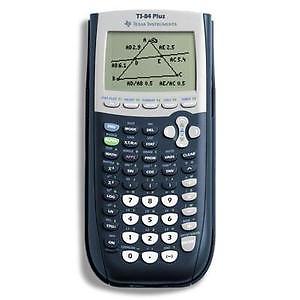
Texas Instruments touts their TI-84 Plus Graphing Calculator as “perhaps the best-selling calculator of all time.” Indeed, it has thousands of reviews on the Internet, most of which are largely positive. This calculator comes with USB technology to share files with other computers, whether they are laptops or other scientific calculators. It also has pre-loaded apps, but with the capability of adding any TI-83 apps. The Texas Instruments TI-84 Plus Graphing Calculator should be suitable for students of science, finance, and other subjects that require advanced calculations. It is not solar-powered like many other calculators; instead, it takes AAA batteries and has a silver oxide battery as a backup.
| 2 | Texas Instruments TI-30Xa Scientific Calculator |
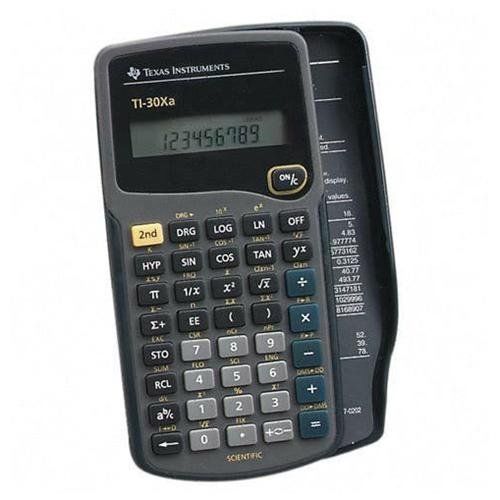
The TI-30Xa Scientific Calculator is a basic model that performs trigonometric functions, logarithms, roots, powers, reciprocals, and factorials. The buyer sacrifices a plethora of features by prioritizing price, but this calculator may be more than enough machine depending on its intended use.
| 3 | Texas Instruments TI-83 Plus Graphing Calculator |
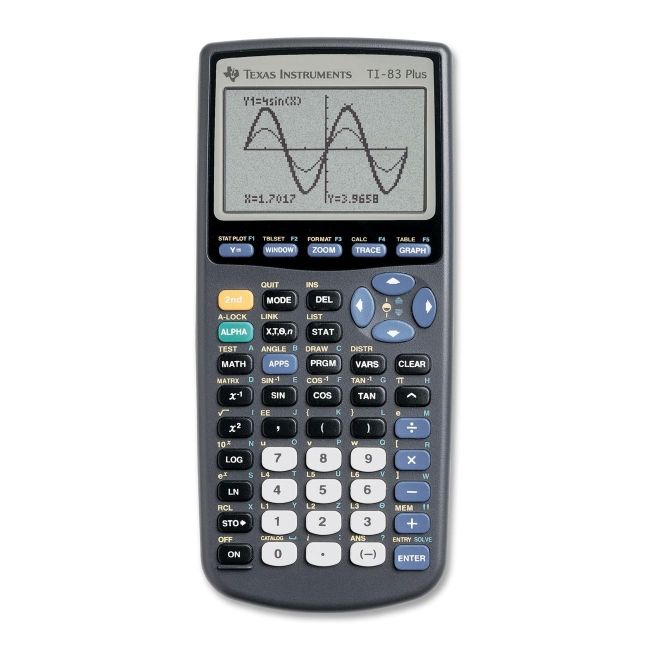
Before it was outshone by the TI-84, the Texas Instruments TI-83 Plus Graphing Calculator dominated the scientific calculator market. It was often and highly recommended to students as the ultimate calculator for just about any need. It’s accepted for use in all standardized testing, and is great for trigonometry and algebra. It has an upgradeable operating system and software.
| 4 | Sharp EL-W516B Scientific Calculator |
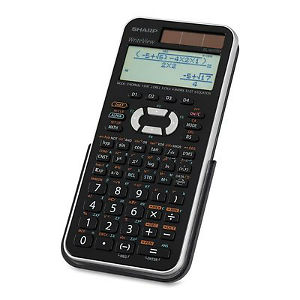
The Sharp EL-W516B is a relatively inexpensive scientific calculator, with a large four-line LCD display and programmable keys. This model has hundreds of features, including more than 530 scientific programs and programmable macro keys. Its reviews are largely positive, with some customers singing the product’s praise after nearly a decade of use.
| 5 | HP 35s Scientific Calculator |
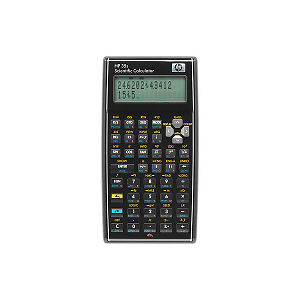
The HP 35s Scientific Calculator is recommended by about 86 percent of people who review it. It has significantly fewer features than more expensive scientific calculators since HP designed it to commemorate its iconic H35 calculator from decades before. Simple in appearance, it’s an able performer with keystroke programmability. Some people report it is not easy to read, which could potentially be a problem for users with poor vision.
| 6 | HP 50g Graphing Calculator |
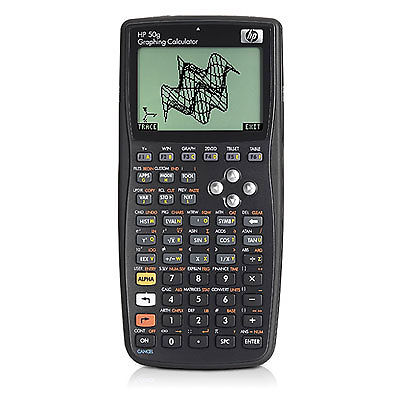
Used by students and engineers, the HP50g Graphing Calculator sports a large, bright display rarely seen on regular scientific calculators. It is capable of vector operations, in addition to graphic, statistical, and electronic specifications. Although it is well reviewed, some users find its documentation lacking. The HP50g has a large equation library and over 2,300 built-in functions for geometry and math.
| 7 | Texas Instruments Voyage 200 Calculator |
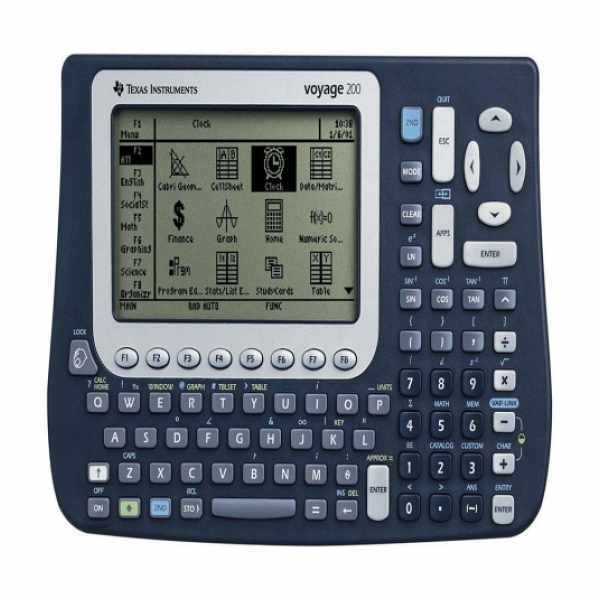
As one of Texas Instruments’ premium products, the Voyage 200 Calculator features a QWERTY keyboard and large LCD screen. The product is incredibly customizable, letting users calculate advanced math problems or even use applications to turn it into a flashcard device for foreign language, history or English classes. Students who want a high-quality calculator that is useful for just about any class can benefit from buying the Voyage 200.
| 8 | Texas Instruments TI-36X Pro Scientific Calculator |
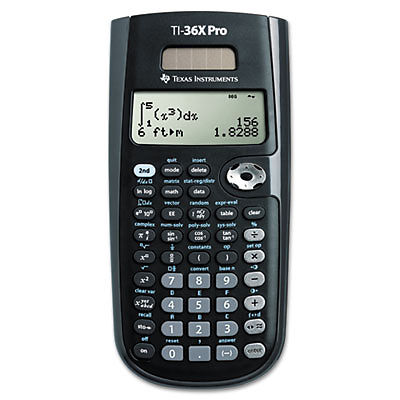
The Texas Instruments TI36X Pro is a scientific calculator for middle school to college students; more specifically, it is best for basic algebra up to college calculus. The unit is solar powered, so the student need not worry about batteries of any kind. The display may be difficult to read when lying on a desk, according to some descriptions of the product, so it is not well-suited for graphing functions.
| 9 | Sharp QS-2122H 12-Digit Commercial Desktop Calculator |
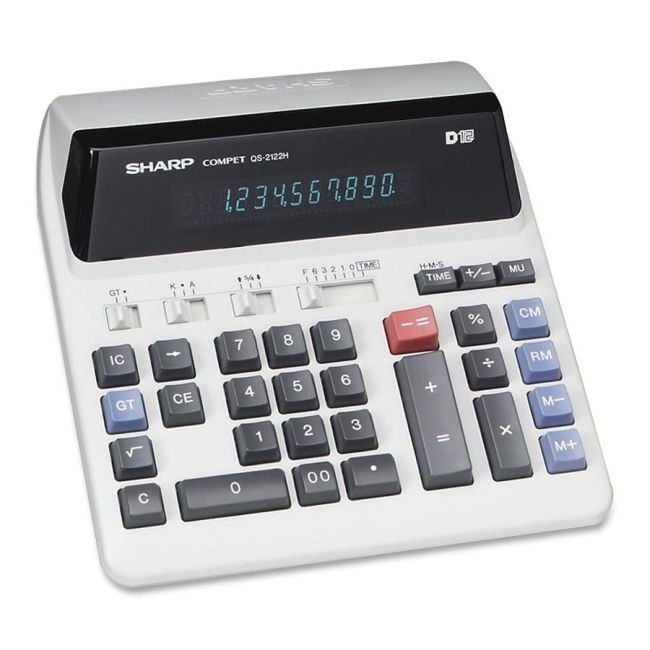
Although technically a scientific calculator, Sharp’s QS-2122H 12-Digit Commercial Desktop Calculator is largely designed for business. It is capable of easing the calculations of markups, margins, and percent changes. Overall, it is a simple calculator with a clear display.
| 10 | TI-30XS MultiView Scientific Calculator |
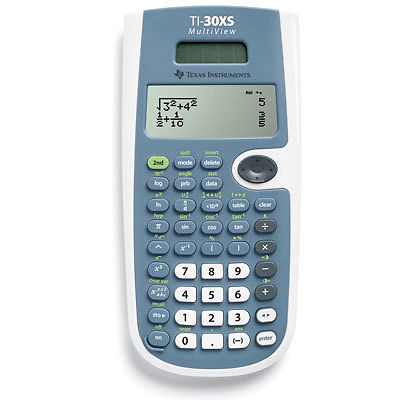
The TI-30XS MultiView Scientific Calculator is another inexpensive machine. Buyers are pleased with its ability to show variations of the same answer and previous answers. It is a non-graphing scientific calculator with a solar display. It is nowhere near as feature laden as the TI-83 or TI-84, but it should be sufficient for middle to high school students. Some buyers are dissatisfied with its simplicity. For example, it might not be suitable for an advanced high school math or physics class.
How to Buy Scientific Calculators on eBay
To buy scientific calculators on eBay, navigate to any page on the site. Look for the search bar and enter keywords relevant to the kind of calculator you seek. As an example, you can start with “engineer LCD scientific calculator” or ” basic scientific calculator.” Narrow the results by selecting a price range, restricting the search geographically, or adjusting another of eBay’s many options. If you know exactly what you’re looking fro, you can search that way, for instance “black TI-89” or “Casio FX-115ES.” Upon finding a calculator in your price range, read the description to ensure it has your desired features. Some advanced calculators have more than 300 functions, so it may help to use important features as keywords if you have difficulty finding the right calculator.
The shipping and handling costs of a calculator usually vary depending on weight. If the seller offers insurance, consider paying for this add-on, especially if the calculator is expensive. This way, you have more options should it break or get lost in the mail.
Scientific Calculator Overview
Most of the best-selling calculators are sold by a few companies: Texas Instruments, Sharp, and HP. Despite this, there is a lot of variety among the top 10 scientific calculators.
Calculator |
Pros |
Cons |
|---|---|---|
| Texas Instruments TI-84 Plus Graphing Calculator | Hundreds of applications
Backup battery Flash drive capable |
Price
Possibly banned in some schools |
| Texas Instruments Scientific Calculator | Inexpensive
Ideal for middle to high school students on a budget |
Simple machine not meant for advanced calculations often seen in college courses |
| Texas Instruments TI-83 Plus Graphing Calculator | Hundreds of applications
Very popular and well documented |
Price
Possibly banned in some schools |
| Sharp EL-W516B Scientific Calculator | Inexpensive
Has similar functions to more expensive calculators |
Sometimes slow to perform |
| HP 35S Scientific Calculator | Inexpensive
Ideal for middle to high school students |
Display may be difficult to read |
| HP 50G Graphing Calculator | Advanced calculator
Large and bright display |
Instructions may be lacking |
| Texas Instruments Voyage 200 Calculator | QWERTY keyboard
Customizable Usable in non-math class |
Price |
| Texas Instruments TI36X Solar Scientific Calculator | Inexpensive
Solar battery |
Display may be difficult to read
Simple calculator best for middle to high school students |
| Sharp QS-2122H 12-Digit Commercial Desktop Calculator | Designed for business calculations
Clear display |
Possibly lacking functions needed for advanced math and physics courses |
| TI-30XS Multiview Calculator | Inexpensive
Solar battery |
Simple calculator that may not be suited for college courses |
Buyers should always ensure a scientific calculator has every feature they need before finalizing the purchase. These are all very different from each other, both in appearance and capabilities.
Conclusion
The best calculator depends on its intended use. Students should consult their teachers before buying a calculator. Scientific calculators can be quite the investment, but some schools ban specific calculators because they either make solving problems too easy, or they are capable of loading questionable applications through USB drives.
When browsing the top scientific calculators, shoppers must pay attention to the reviews and price of the calculator, in addition to its capabilities. It is possible to buy too much machine, meaning its abilities tend to go unused, and the buyer could have saved money by buying a lesser calculator. When in doubt, shoppers should consider ask for recommendations from their coworkers or instructors. Both new and used scientific calculators are available for purchase on eBay.