i want to know if my cpu hardware is 32bit or 64bit…although i know i have installed 32bit Ubuntu 12.04 version on my system,,, yet i m not sure if my system/cpu is 32bit or 64bit,, as in either case, i could have installed 32bit operating sys on it… 1…when i try to check it by lscpu,, it show CPU op mode both 32bit and 64 bit as shown under…what does this mean???? 2….architecture says i686,,,, what does this mean,, what are other options??what does it show/means???? someone to plz
Year: 2017
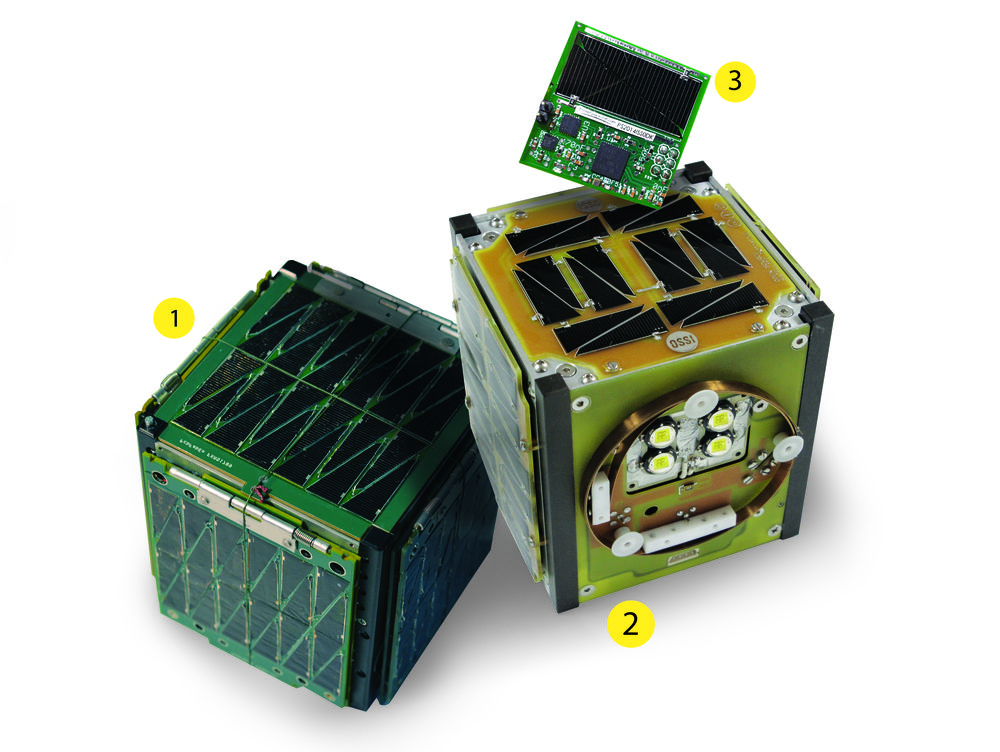
Say Hello To The Little Space Race That Could | Popular Science
Source: Say Hello To The Little Space Race That Could | Popular Science
Cron
The software utility Cron is a time-based job scheduler in Unix-like computer operating systems. People who set up and maintain software environments use cron to schedule jobs (commands or shell scripts) to run periodically at fixed times, dates, or intervals. It typically automates system maintenance or administration—though its general-purpose nature makes it useful for things like downloading files from the Internet and downloading email at regular intervals.[1] The origin of the name cron is from the Gr
Source: Cron – Wikipedia
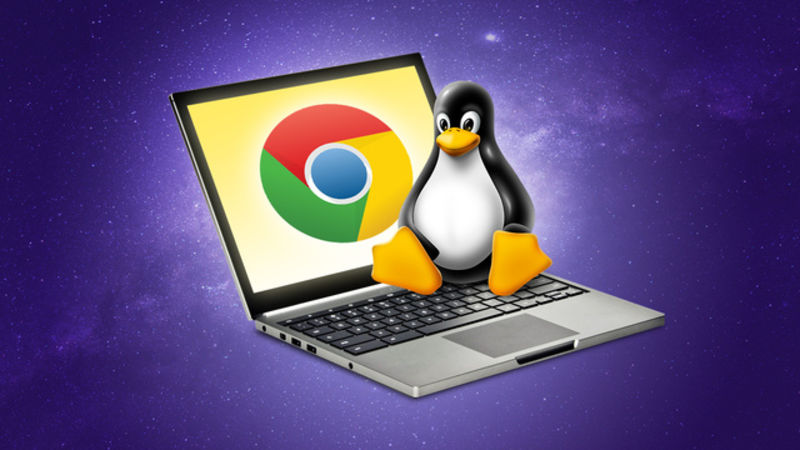
How to Install Linux on a Chromebook and Unlock Its Full Potential
There are some Chromebooks with awesome hardware out there, like the beautiful Chromebook Pixel, but they don’t quite hit their full potential with Chrome OS. Here’s how to install Ubuntu and get more out of your Chromebook.
Source: How to Install Linux on a Chromebook and Unlock Its Full Potential
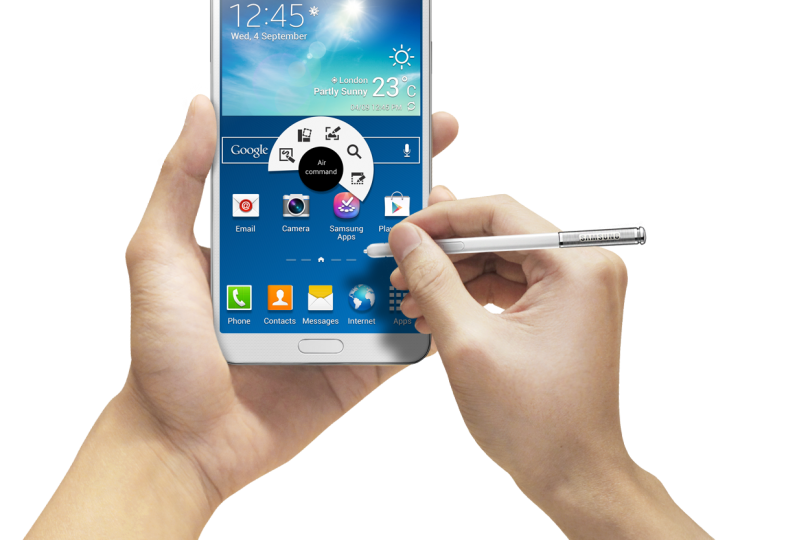
Android 4.4.2 KitKat Update: How To Root Samsung Galaxy Note 3 LTE SM-N9005 On The New XXUENB7 Firmware [Tutorial]
Unix
Unix (/ˈjuː.nɪks/; trademarked as UNIX) is a family of multitasking, multiuser computer operating systems that derive from the original AT&T Unix, developed starting in the 1970s at the Bell Labs research center by Ken Thompson, Dennis Ritchie, and others.[3] Initially intended for use inside the Bell System, AT&T licensed Unix to outside parties from the late 1970s, leading to a variety of both academic and commercial variants of Unix from vendors such as the University of California, Berkeley (BSD), Mic
Source: Unix – Wikipedia
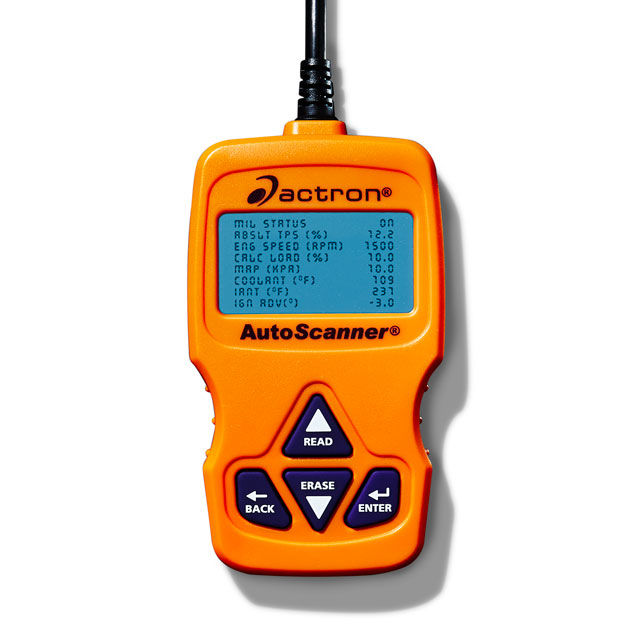
The Tools You Need to Diagnose Your Car
Stock KitKat XXUEND6 Multi-CSC N9005 [GUIDE,… | Samsung Galaxy Note 3
Source: Stock KitKat XXUEND6 Multi-CSC N9005 [GUIDE,… | Samsung Galaxy Note 3
Foursquare
Foursquare is a local search-and-discovery service mobile app which provides search results for its users. The app provides personalized recommendations of places to go to near a user’s current location based on users’ “previous browsing history, purchases, or check-in history”.[5] The service was created in late 2008 and launched in 2009[6] by Dennis Crowley and Naveen Selvadurai. Crowley had previously founded the similar project Dodgeball as his graduate thesis project in the Interactive Telecommunicati
Source: Foursquare – Wikipedia
Google Patent Reveals Radial, Pie-like Menu System
A new Google patent has surfaced at the US Patent and Trademark Office, revealing an advanced touchscreen radial menu system which could one day come to Android. The radial or pie-like menu system is a circular system configured with various commands, functions, and sub-menus.
OCR – Community Help Wiki
OCR – Optical Character Recognition OCR is a technology that allows you to convert scanned images of text into plain text. This enables you to save space, edit the text and search/index it. Available OCR tools The Ubuntu Universe repositories contain the following OCR tools: fuzzyocr – spamassassin plugin to check image attachments gocr – a command line OCR libhocr0 – Hebrew OCR ocrad – OCR program ocrfeeder – document layout analysis and optical character recognition system ocropus – document analys
Source: OCR – Community Help Wiki
ReadyNAS & ReadyDATA: Boot Menu | Answer | NETGEAR Support
Your ReadyNAS or ReadyDATA storage system offers several boot modes for restarting or troubleshooting.Your storage system has the following boot modes:Normal. Initiates a normal boot process, just like booting using the Power button.Factory default.WARNING: The factory default reboot process resets the unit to factory settings, erases all data, resets all defaults, and reformats the disk to X-RAID.RAIDiator. Initiates a short disk test that takes approximately five minutes, then begins a 10-minute time-out period waiting for RAIDar. During the 10-minute time-out period, the system can be powered off safely without causing any data loss. After 10 minutes, the factory default process begins. If you launch the factory default boot mode with RAIDar during the time-out period, the factory default process begins immediately.ReadyNAS OS 6. Initiates a small disk test that takes less than a minute, then begins the factory default process immediately.OS reinstall. Reinstalls the firmware from the internal flash memory to the disks. The OS reinstall boot mode can be useful when the system crashes and corrupts some configuration files. OS reinstall boot mode also resets some settings on your unit, such as Internet protocol settings and the administrator password, to defaults.Tech support.WARNING: Use the tech support boot mode only when instructed to do so by a NETGEAR Technical Support representative.Boots into a low-level diagnostic mode.Skip volume check. (RAIDiator only)WARNING: Use the skip volume check boot mode only when instructed to do so by a NETGEAR Technical Support representative, otherwise data loss might occur.After a system crash, the system tries to scan and fix the volume using a file system check. If several problems are found on a disk, this process can stall, causing the system not to boot. You can use this option to skip the scan and let the system boot.Memory test. Performs a memory test. The pass or fail result is reported using the unit’s LEDs. Contact NETGEAR Support to interpret memory test results.Disk test. Performs an offline full disk test. This can take 4 hours or more, depending on the size of your disks. Any problems are reported in the RAIDar discovery tool.For more information about boot menu options, visit the following knowledge base articles:
Source: ReadyNAS & ReadyDATA: Boot Menu | Answer | NETGEAR Support